

Contract Approval Workflow Design: Triggers, Roles and Testing
 Christian Lambertsen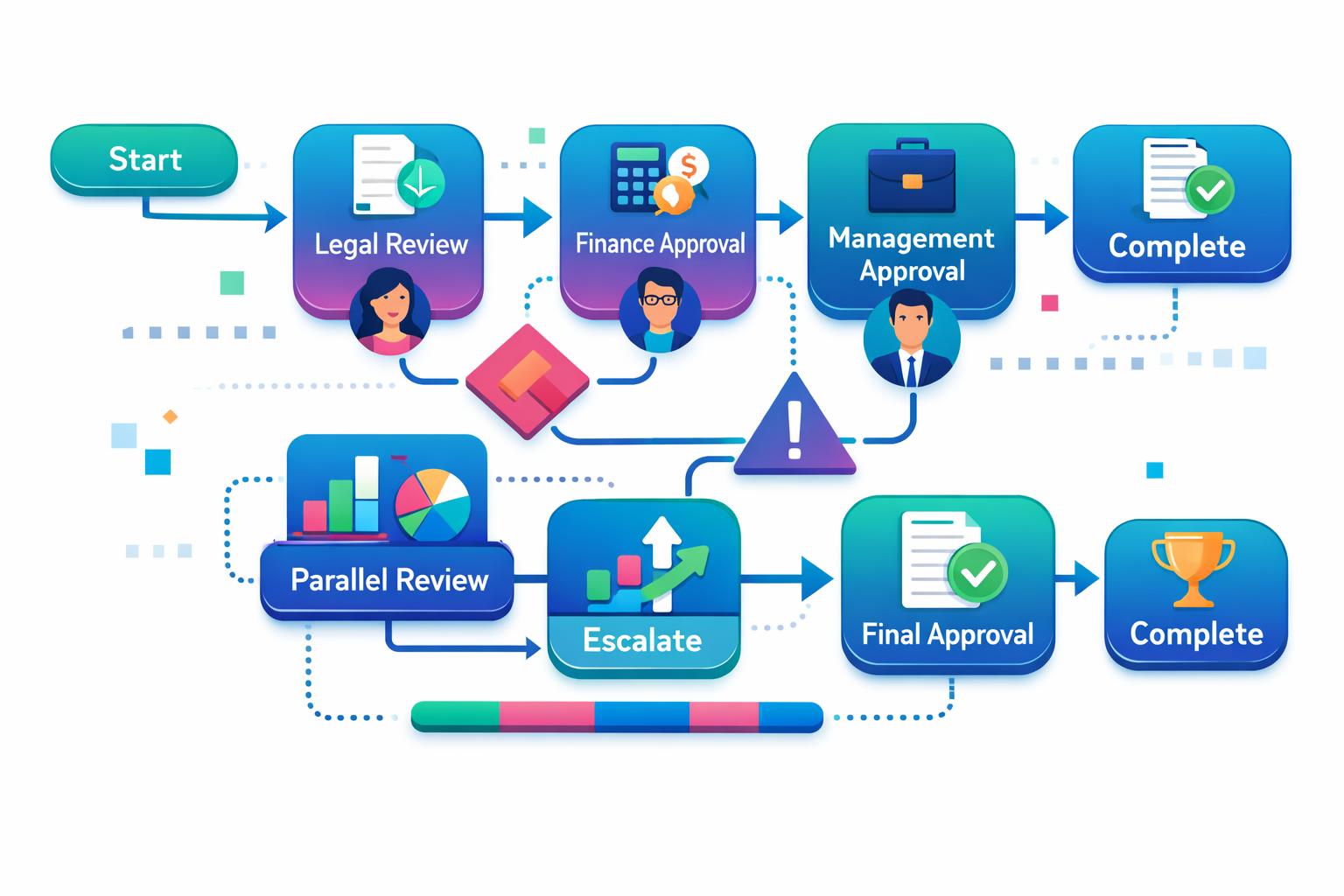
A contract approval workflow turns an agreed approval policy into a repeatable operating path: it states what starts a review, which roles need input, what decision must be recorded and how the final version is handed over. This guide focuses on designing that workflow. It is general operational guidance, not legal advice.
Start with the decision policy, rather than the tool. A workflow cannot resolve unclear authority, missing business context or an undefined exception path. For the underlying decision framework, see our contract approval process guide.
Separate the policy from the workflow
An approval policy identifies who may decide and when additional review is needed. The workflow is the practical route that makes those choices usable day to day. It should show the request owner, the current document version, the review question for each contributor, the accountable approver and the next action.
Keeping these two layers separate helps teams revise a route without silently changing delegated authority. It also makes it easier to test whether routine agreements take a proportionate path and material departures receive the right attention.
Choose clear workflow triggers
A trigger should describe a real business moment, not simply a folder or an inbox. Useful triggers can include a request that needs a decision, a proposed non-standard term, a renewal approaching its decision window or a material change to an active agreement.
- Request trigger: the business needs a new agreement reviewed or approved.
- Change trigger: a proposed amendment changes scope, price, timing or another material operating assumption.
- Exception trigger: the proposed position falls outside the organisation’s normal guidance.
- Renewal trigger: the team needs to decide whether to renew, change or exit an agreement.
For each trigger, identify the information needed before the workflow begins. A focused contract request form can capture purpose, owner, timing, current documents and the decision needed, so reviewers do not have to reconstruct the context later.
Route work by decision role
Route a task to a role because of the question that role must answer. Legal may assess a contractual position, Finance may consider commercial implications and the business owner may confirm whether the proposed commitment is workable. A reviewer is not automatically the final approver.
Define what each role receives, what response is expected and whether the role can approve, recommend a change or request escalation. Keep the group small enough that accountability remains visible. Adding people without a defined question often produces delay rather than stronger review.
Decide what may happen in parallel
Parallel review can be useful when contributors are answering independent questions. For example, a commercial owner and a finance colleague may be able to review the same current draft at the same time. Use a sequential route where one decision genuinely depends on the result of another.
Before choosing either route, specify which version is under review and how a material edit affects the workflow. If a change alters the basis for a decision, make the new decision point explicit instead of relying on an old email approval.
Use a short exception and decision record
When an agreement departs from the normal position, the workflow should preserve the issue, options considered, rationale, conditions and accountable decision maker. A contract exception register can keep that context connected to the agreement rather than buried in correspondence.
The final record should also identify the version approved and any follow-up owner. That gives the team a practical basis for later handover, renewal or review.
Test one route before wider rollout
Test with a representative agreement and a real business scenario. Ask whether a colleague can identify the route, find the current document, understand each contributor’s question, record an exception and locate the final decision without relying on informal history.
- Choose one high-volume agreement type or a recurring change scenario.
- Walk through the trigger, required information and assigned roles.
- Test what happens when a reviewer requests a change or identifies an exception.
- Confirm how the approved version and conditions are recorded.
- Hand the agreement over to the operational owner using a contract handover checklist.
Keep improving the workflow
Review routes when responsibilities, contract types or decision authority change. Look for recurring unclear requests, repeated exception types or handovers that lack an owner. These are useful prompts to clarify the policy, improve the intake information or narrow the review question.
ClearContract supports organisations in receiving, reviewing, filing, monitoring and managing contracts under customer-defined rules, while people retain decision and approval authority.
Make approval work easier to manage
A sound workflow starts with clear decision rights and gives every contributor a defined question, current material and recorded next action. If your team is evaluating a more consistent way to manage contract work, Book a demo.