

Contract Intake Email Address: A Controlled Workflow for Incoming Agreements
 Christian Lambertsen
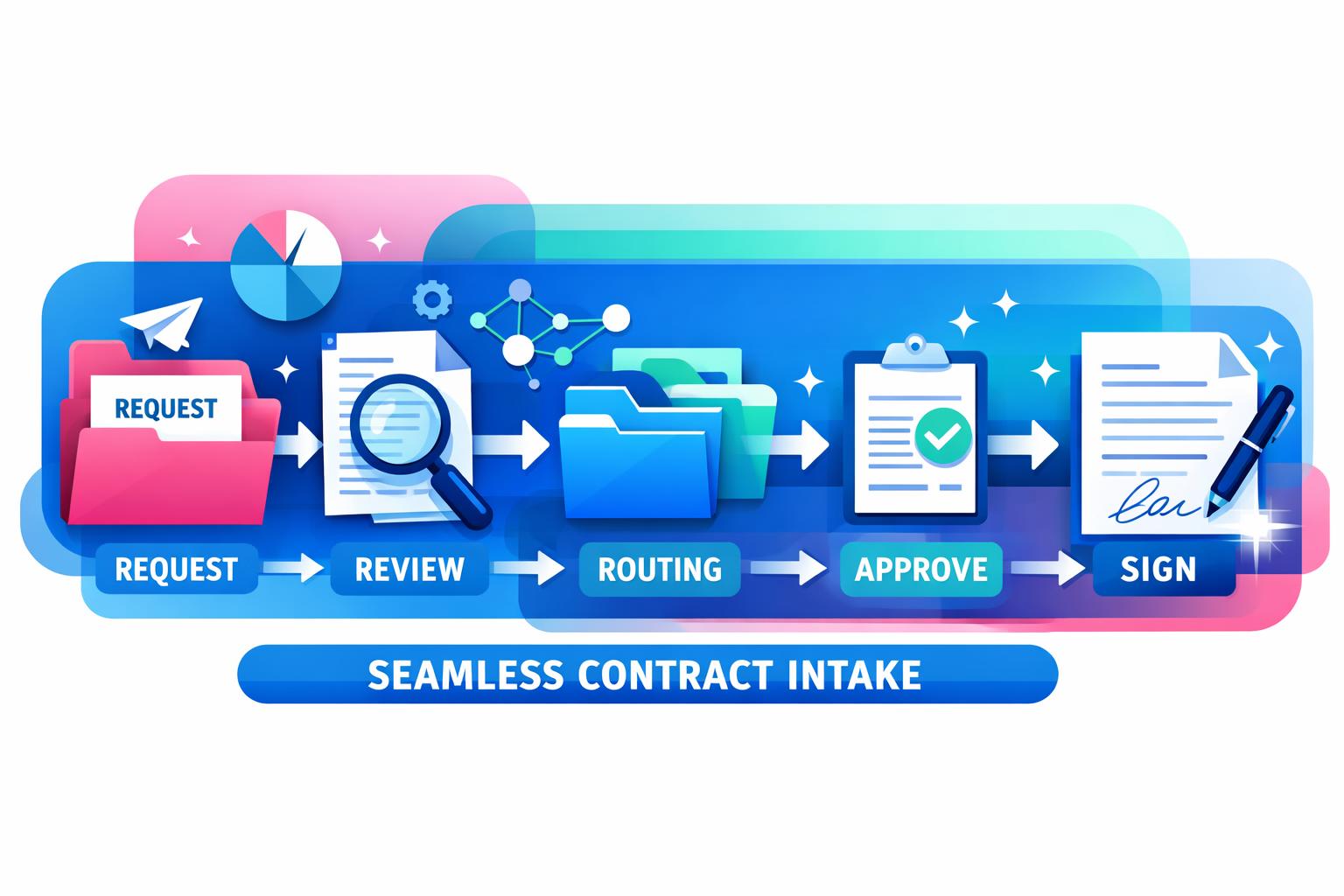
Incoming agreements often arrive in the wrong place: an individual inbox, a shared mailbox with no owner, or a thread that mixes commercial questions with several document versions. A controlled contract intake email address gives Legal, Procurement and commercial teams one clear starting point for supplier and customer agreements.
This is not a legal review method or an approval rule. It is an operating workflow for receiving an agreement, capturing enough context, routing routine work and making the next accountable decision visible.
What a contract intake email address is for
A dedicated address is the agreed entry point for contract work that arrives by email. It should make it easier to establish:
- which agreement or request has arrived;
- who submitted it and who needs the outcome;
- which business context, deadline and counterpart are relevant;
- where the current document and related materials belong; and
- who is accountable for the next action.
It does not remove the need for human judgement. The team should still decide what needs review, approval, escalation or follow-up.
Set a clear scope before opening the inbox
Start by defining what belongs in the address. For example, a team may accept incoming supplier agreements, customer paper, amendments, signed copies and requests for review. Define what should use another route, such as general legal questions, invoices or support requests.
Publish a short instruction for internal users. Ask them to include the business owner, counterparty, agreement type, requested outcome and any material date. A structured contract request form can help teams collect that context consistently before or alongside an email.
Use a repeatable receipt checklist
When an agreement arrives, the first task is to create a reliable working record—not to make a legal conclusion from an incomplete message. A practical receipt checklist can include:
- Confirm the source. Record the sender and counterparty, and retain the original message or submission context where appropriate.
- Locate the document set. Identify the agreement, attachments and any amendment or prior version that could affect what governs.
- Capture the request. Note what the business needs next: filing, review, a draft, signature coordination or a question for a decision-maker.
- Identify the accountable owner. If the email does not name one, route it to the person or team that can supply the missing context.
- Record time-sensitive facts. Keep stated commercial deadlines separate from contractual notice dates until the governing agreement has been checked.
The aim is to avoid a false sense of completion. Receipt means the item is visible and ready for the correct next step; it does not mean the agreement has been approved.
Classify before you route
A small set of consistent categories makes a shared address more useful than a folder full of messages. Typical categories might distinguish a new agreement, amendment, signed agreement, supplier document, customer document, renewal-related item and request for information.
Classification should be proportionate. It needs to help a team find work, apply the right playbook and see the next action. It should not force people to guess at legal risk or make an approval decision in the inbox.
ClearContract can support this routine work by receiving incoming contracts through an agent email address, filing and classifying agreements, and keeping related contract information in a searchable record. Review work can be assessed against the organisation’s playbooks, while findings that need judgement can be surfaced for people to decide.
Separate routine routing from decision-making
The inbox workflow should distinguish work that can be prepared from decisions that require accountable people. Routine preparation may include filing, classification, extraction of relevant contract data and assembling the available document set. A decision may concern whether to accept a deviation, approve an agreement, negotiate wording or take action on an obligation.
Make the handoff explicit. Each item should have a next action, a responsible role and enough supporting context for that person to act. The wider contract intake process should then guide how the request is reviewed, approved and followed through.
Keep the contract record connected after receipt
An email address is only the entry point. The working record should connect the agreement, relevant attachments, key contract data, changes and the actions that follow. That reduces the risk that important context remains isolated in an old email thread when a new colleague needs to understand the relationship.
For active agreements, the useful follow-through is not merely storing a PDF. Teams need a way to keep deadlines, renewal windows, obligations and follow-up actions visible to the right people. ClearContract is designed to keep agreements, data, changes, obligations and deadlines connected, with logged actions and human approval for decisions and commitments.
Review the workflow with real examples
After a few weeks, sample received items and ask practical questions: Did users provide enough business context? Was the current document clear? Did routine work reach the right owner? Were decision points and next actions visible? Use those answers to refine the required fields, routing rules and internal guidance.
A controlled inbox works when it makes the next accountable action easier—not when it creates another place for work to wait.
Make incoming agreements easier to manage
ClearContract helps teams receive, file, classify, review, monitor and follow up on contracts while keeping people in control of decisions and approvals.
Book a demo with ClearContract to discuss a controlled workflow for incoming agreements.
